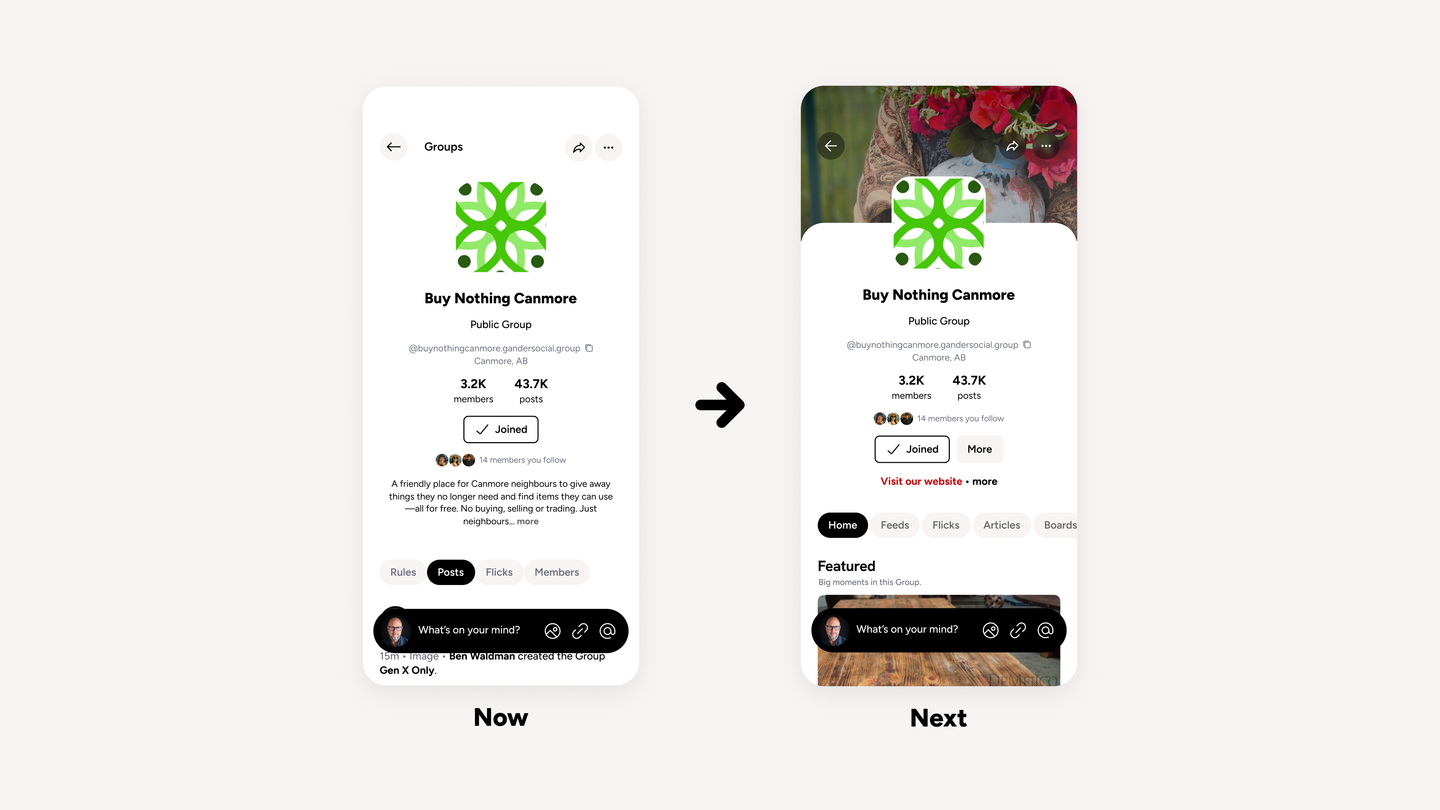

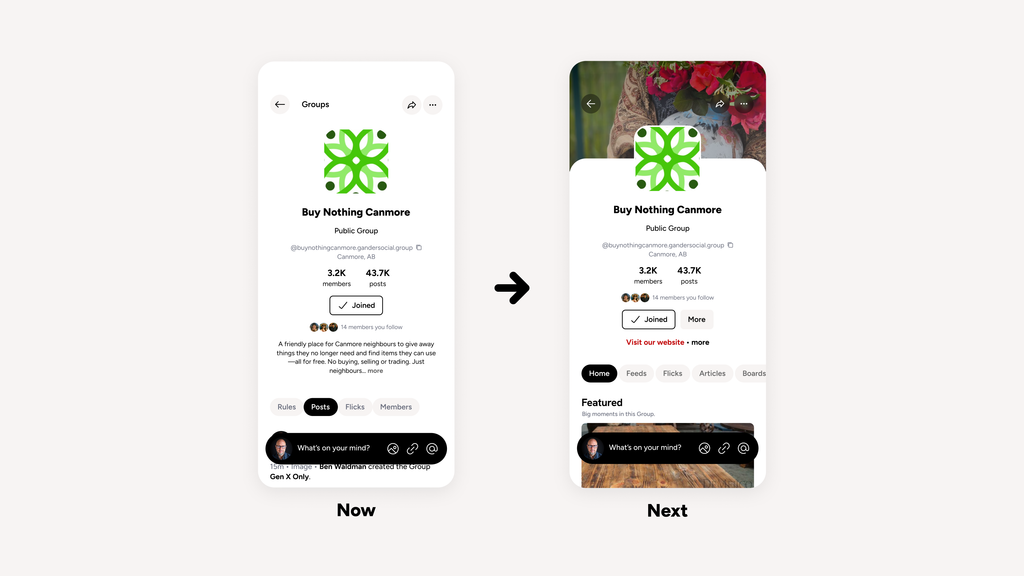
Some of the best things happening on social media happen in Groups.
And we’re pretty excited to say they’re now happening on Gander, too.
(They’ve actually been here for a few weeks. We wanted to give the folks on Gander a go at them and tidy a few things up before putting the word out.)
TL;DR
- Groups are here! Bring people together around shared interests, communities or whatever wonderfully specific thing you’re into.
- Three kinds of Groups. Choose a Friend Group, Open Community or Closed Community, depending on who you want to bring together and how you want to do it.
- Groups are moderated. Admins can set their own rules, and all Groups are subject to Gander’s Community Guidelines and moderation.
- Explore Groups or start your own
Three ways to gather
Not every community needs the same kind of space. So we’ve built three kinds of Groups.
Friend Group: bring together your circle.
Bring together friends, family, teammates or your regular crew to share updates, make plans and stay connected.
Membership is by invitation, and posts and member lists are only visible within the Group.
Open Community: connect around shared interests, places, and ideas.
Think neighbourhood associations, gardening clubs, bird watchers or people who have very strong opinions about icebergs.
Anyone can discover the Group, see its posts and members, and join the conversation.
Closed Community: admins approve membership.
Made for associations, volunteer projects, support groups or anyone who wants more control over who joins.
People can discover the Group and request to join, but an admin must approve them before they can participate. Posts and member lists are only visible to Group members.
Find your people.
Feeds help you discover content. Groups help you build communities.
Feeds collect posts from across Gander around particular topics and interests. Groups give people a place of their own to gather, share, organize and connect.
And here’s something neat: Groups can even post to Gander’s main feed. So your community can have its own home while still taking part in the wider conversation.
To get started, select Groups from your Gander home page.
From there, you can browse recommended Groups, explore different topics, find communities near you (if you’ve added location to your profile, optional ofc) or catch up on posts from Groups you’ve joined.
Found something interesting? Open the Group and join in. Some are open to everyone, while others require an admin to approve your request.
Got an idea of your own? Select Create a group, choose the type, set your rules and start bringing people together.
If you’re running a Group, the Managing section is where you can manage membership, review requests to join and keep an eye on anything that needs your attention.
As with the rest of Gander, Human Check applies to participation.