
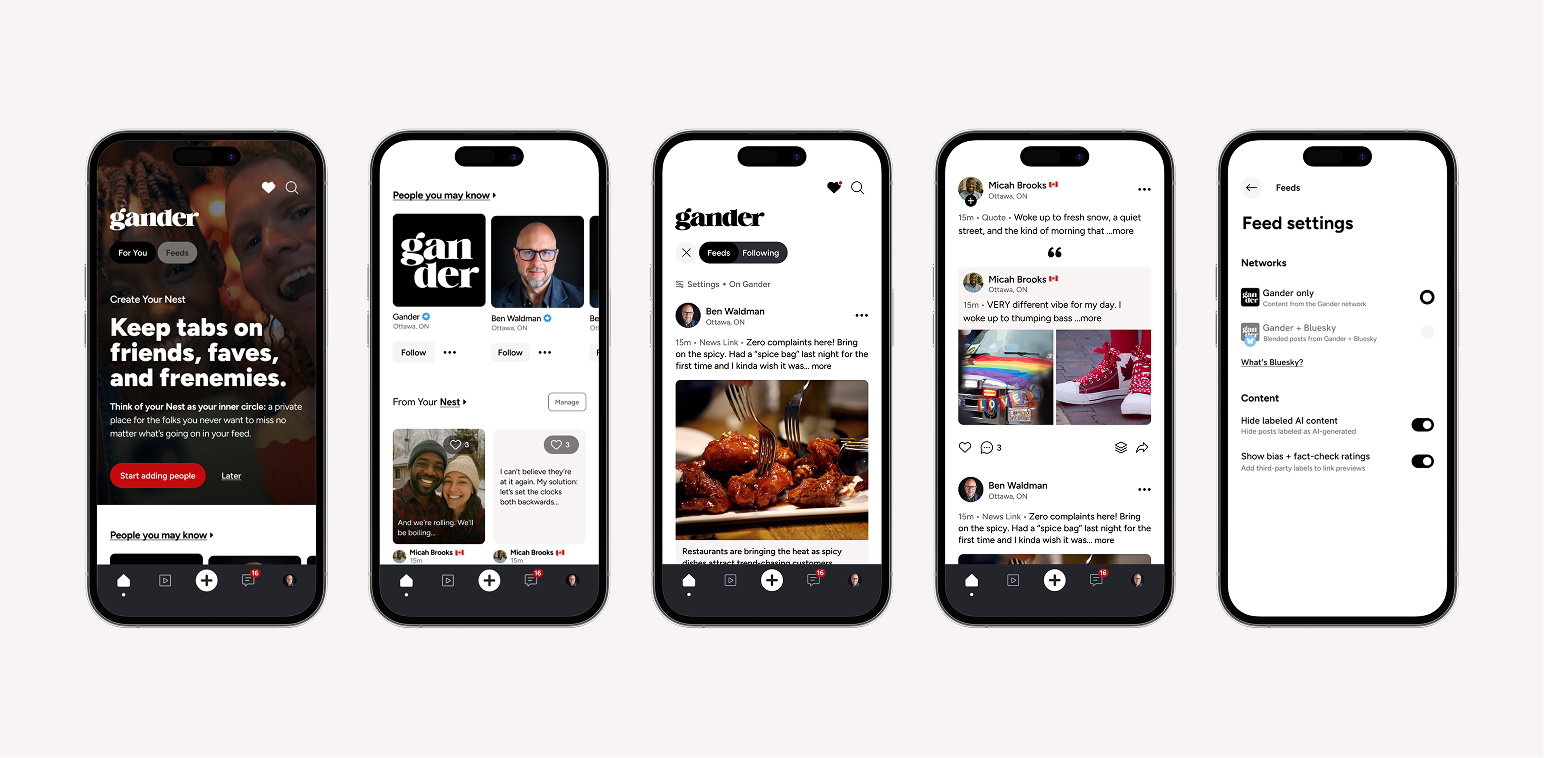

It’s a doozie.
Not because of any one feature, but because a lot of the core experience has been implemented as we originally intended. Feeds, discovery, structure, control, and conversation: the things that, on top of moderation, better deliver a saner social experience.
If you’ve been using Gander already, you’ll feel it pretty quickly.
We started with the Home screen.
Back when we were getting our designs underway, the community let us know that one of their biggest issues with most social media was how they felt scrolling feeds.
On most of the big platforms, feeds are intentionally pretty manipulative. The business model is: consume content ad infinitum (emphasis on ad).
The result is that you can scroll forever and rarely see content from the people you care about most.
Interestingly, even with a chronological feed like Gander’s, it’s actually pretty easy for the people you care about to get lost in the fray.
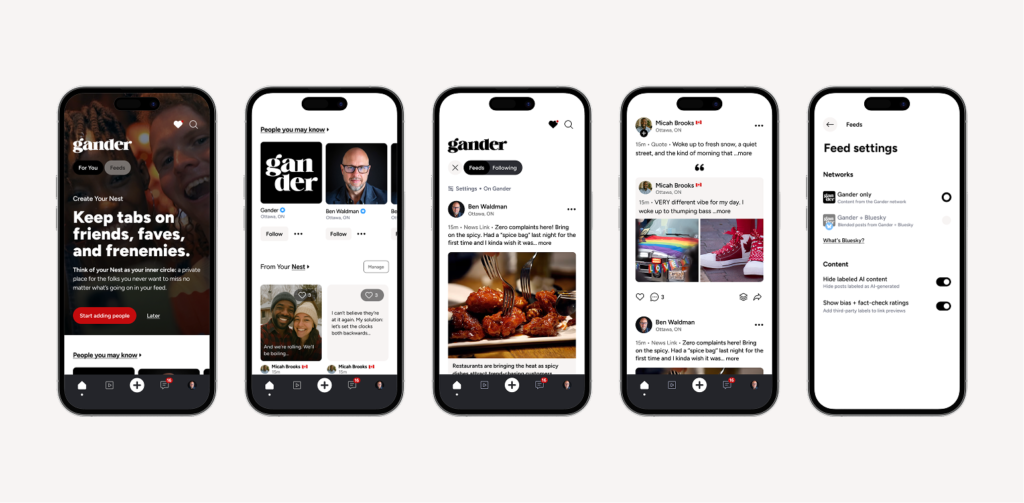
So we started with the idea that the home screen should do two things well: help you keep up with the people and content you care about AND help you explore everything else.
Enter the For You Page (or FYP): a home base where you can find people and content that matters.
And it’s controlled by you, rather than the other way around.
In a nutshell….
- For You… your FYP… is your space and your people.
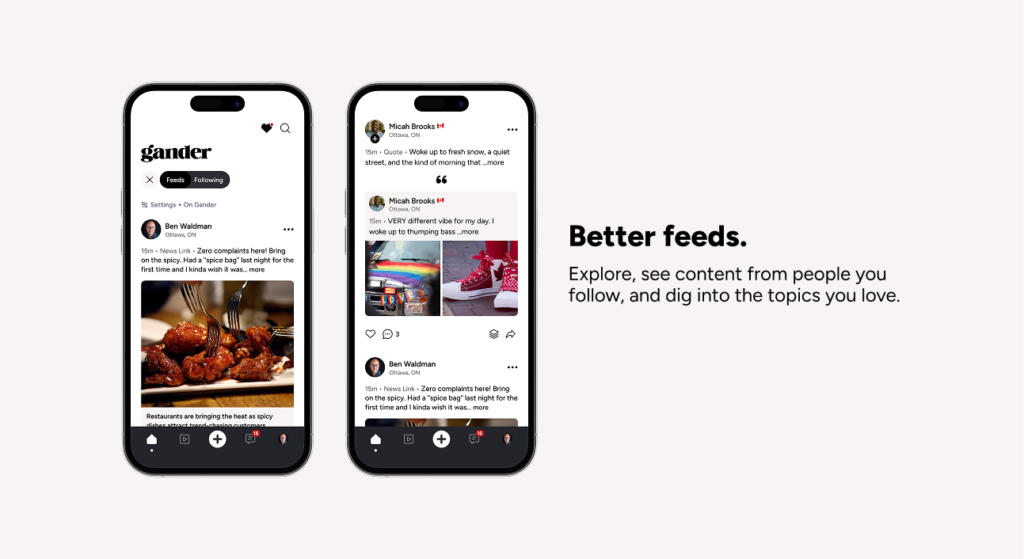
- Feeds are where you go when you want to explore, find new content, and drill into something more specific.
And what’s in the FYP?
I’m glad you asked.
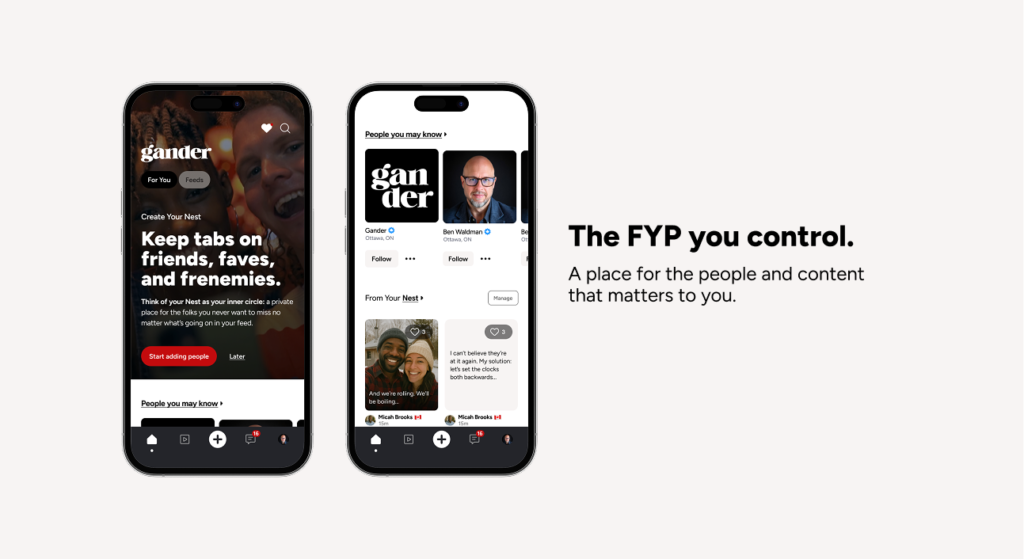
For one, if you’ve been using the app, you’ll likely have seen the term Nest floating around.
If you don’t know already, your Nest is not just folks you follow, but people you want to follow CLOSELY – the content you don’t want to miss in the feeds.
Because… feeds.
I know it’s a subtle difference, and it was (almost) a meaningless difference in previous versions of the app. But now your Nest has found its true home in your FYP, so you can peruse important content quickly.
We’ve also introduced the first version of People you may know in the FYP, so you can find folks to connect with.
Right now, it’s intentionally straightforward: if you follow someone, and they follow someone else, we may suggest that connection to you.
Just a light bit of proximity graphing while the community is still small. And, we think, something that will be important as the community expands and networks grow.
This will evolve over time, and importantly, you’ll have control over how it works, including whether you appear in it at all.
Alongside that, you’ll start seeing recommendations for accounts based on your interests. The goal isn’t volume, it’s relevance and helping you connect with people who care about the same things you do.
While we roll this all out in preparation to distribute you invite codes for your friends, we’re building ways for you to meet people, build community and stay on top of what matters most without relying on pushy algorithms.
Speaking of feeds…
If you’ve been using the app over the past few months, you’ll have seen our feed tabs change a few times… sometimes more than once in a week.
It was a bit of a… pain in the beta. But it was a manageable interim solution while we developed the real deal: a faceted set of tabs we affectionately call the Gander Feeds Universe™ (as of me writing it in this blog post a few minutes ago anyway).
The GFU™ lets you drill down to exactly what you want to read, whether it’s folks you follow, your Nest, or a particular topic. It also acts as a base for what comes next, our Gander Feeds Extended Universe™.
Think: News, Buy & Sell, Local, Events… all with subcategories. Eventually this will include adding and managing your own feeds too.
What’s more, in this latest release you can select whether your feed includes only content from the Gander network, or a blend of Gander and Bluesky’s ATmosphere. For now, find the option in your settings. We’ll share more on this in another post.
(BTW… we’re totally not calling it the GFU)
Buh-bye like counts!
Yes, we ditched the like count.
Take a deep breath. I know you may be losing it a little, but there’s some pro-social method to this madness.
It’s no secret that like counts are a bit of useless piece of social proof. At best, they give the post author some warm fuzzies. At worst… they can be fudged by pile-ons, give a false impression of importance, and generally shape behaviour in ways that don’t always lead to great conversations.
And that’s what we think matters: conversation. Since Gander feeds are largely chronological, a great discussion is a better indicator of a hot topic than any single tap can provide. Because Gander doesn’t have an algorithm that rewards engagement without context, they don’t serve much of a structural purpose either.
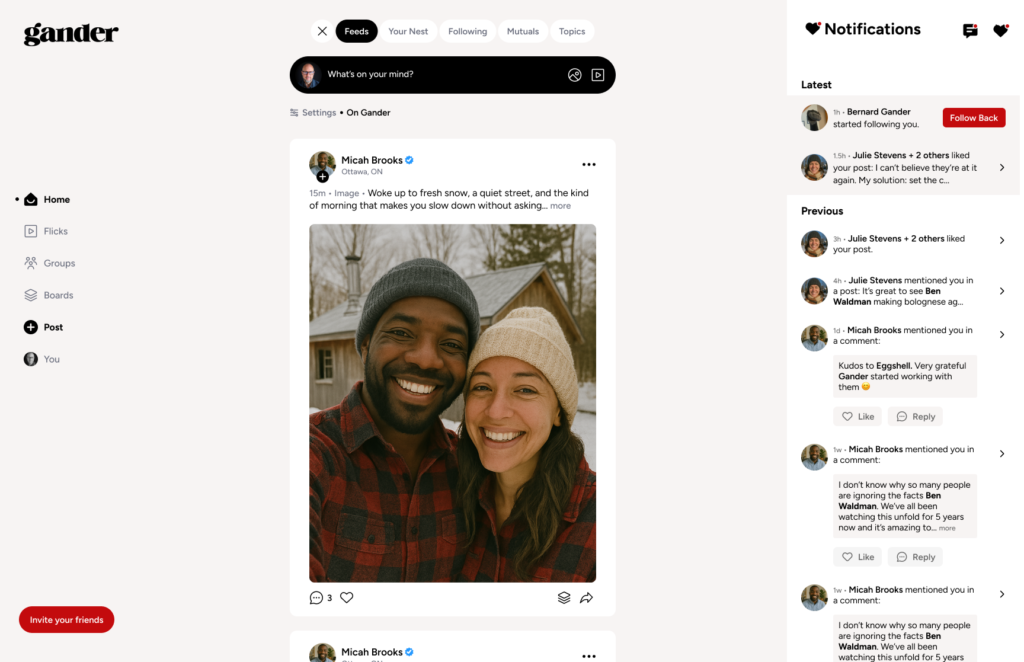
In later releases, we’ll build in some additional reactions, as well as metrics for your posts (including reaction counts), in a way that’s actually useful. In the meantime your likes will still show up in your Notifications.
Aaaand… exhale.
There’s more coming. Always.
We have a ton of stuff on the way in the next couple of months. Accessibility improvements, dark mode, French, human verification, SMS login, passkeys, and the usual round of fixes and refinements.
On the bigger side, we’re working toward Groups, a full browser-based app, and the ability to post across networks.
This release isn’t about one big idea.
It’s about a lot of small, considered ones coming together.
A better foundation and a clearer experience. The first version of Gander that feels more like what it’s supposed to be.
Stay tuned.